AI Content Creation in Content Production Most professional content creation involves AI - and for very good reasons. Artificial Intelligence is indeed fast, scalable and very capable. However, unlike general content platforms such as LinkedIn, it is a relationship platform and relationships require interaction, trust and people.
The question isn't whether or not you will use AI in your writing. You already do (probably). Or you at least are thinking about it. The question is how to craft that content to reflect you - your tone, your sensibilities, your take. Because if it sounds like a bot wrote it, people will just keep scrolling.
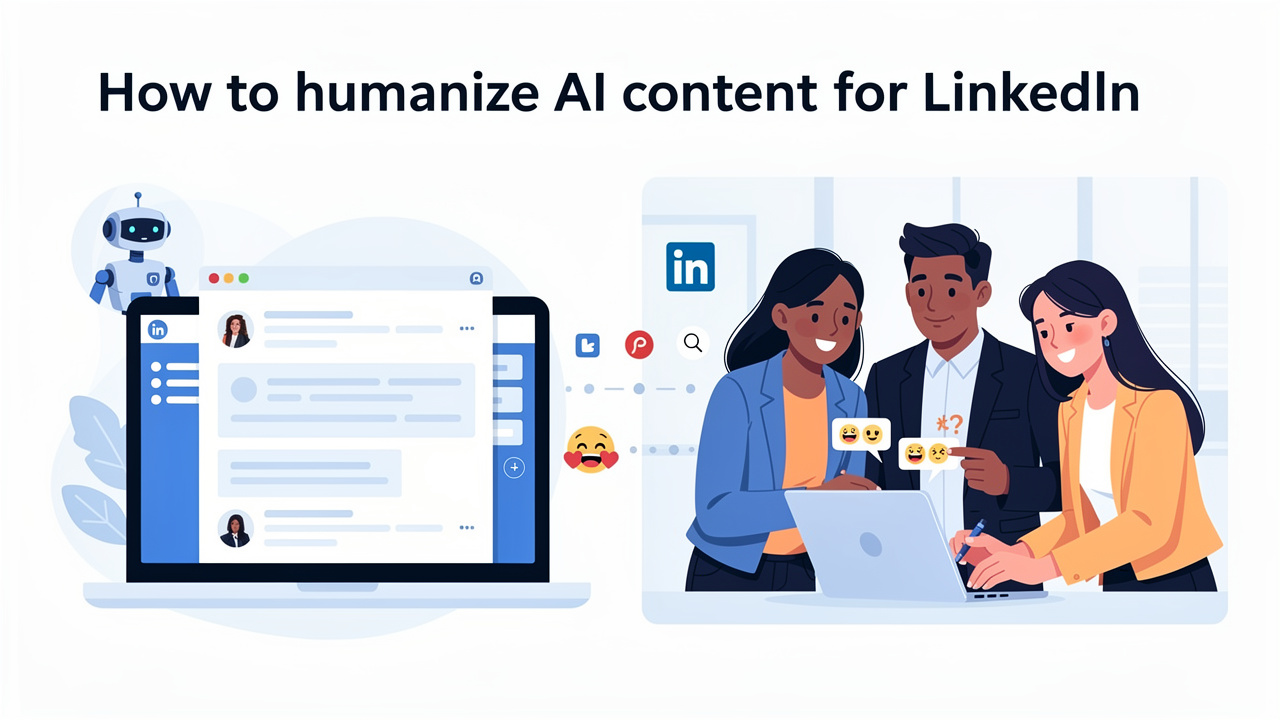
Knowing how to humanize AI content for LinkedIn is essential for creating engaging LinkedIn posts that build genuine connections. Your AI content strategy should focus on transforming robotic text into authentic, relatable communication that resonates with your professional network.
Here's what step to help you do that.
Why Humanizing AI Content for LinkedIn Matters
Engagement is what the LinkedIn algorithm values. Comments, shares, reactions—these are measures that indicate to the platform that a certain piece of content deserves to be promoted. But it's not sleek corporate jargon that obtains engagement on LinkedIn. It's genuine expression.
Anyone on Linkedin is savvy. They can tell right away when content is templated and generic. The tone is dull. The insight sounds off-the-shelf. There's no personality in the words. And when there's no personality, there's no trust—and trust is most of the currency of professional social networking.
Now, humanized content generates what I would call a "recognition moment" - that sensation when a reader thinks to himself/ourselves, "Yes, that's exactly how it is.". Those moments generate the comments. Those moments generate the conversations. Those moments generate the kind of audiences that are interested in what you put up next.
Technique 1: Lead With Storytelling, Not Statements
AI generated content is known to start with sweeping generalizations. "LinkedIn is a great way to improve your career". Really? Well, it's not the kind of thing you're going to find me that stopped to read more.
Stories stop scrolls. Short, specific, real stories capture attention in a way that abstractions never do.
Here's an example of unedited AI output:
"Networking on LinkedIn can help professionals advance their careers by building meaningful connections."
Now here's the humanized version:
"I sent a cold message to a VP I'd never met in 2021. No mutual connections. No warm intro. Just a genuine question about a post she'd written. Three months later, she referred me to a role that changed my career trajectory entirely."
Same fundamental message. Totally different effect. The second one is concrete, specific, personal, emotionally engaging— and probably took 90 seconds to write aside from whatever the AI spit out first.
When editing AI content, ask yourself: where can I replace a generic statement with an instance? That's all it takes.
Technique 2: Rewrite the Opening Line. Every Single Time.
AI just about always produces a safe, logical intro. But logical intros do badly on LinkedIn. Your first line is either what causes the viewer to click "see more" or for them to scroll on to the next post - so it has to pull a lot of weight.
Take whatever AI gives you and rewrite the first two sentences entirely.
Make them:
- Shorter than you think necessary
- Specific to a feeling, a frustration, or a surprising observation
- Written in your natural voice, not a polished editorial voice
For instance, rather than: "Professional development is necessary for the advancement of careers in today's competitive environment" - I hear: "No one warned me how awkward getting better at your job actually is."
That's a phrase that AI probably wouldn't write. But it's the kind of phrase that makes you sit forward.
Technique 3: Use Conversational Language Strategically
LinkedIn has a "formality" problem. There are way too many posts that read like a press release. The ones building really engaged audiences are the ones who write the way they speak (or close).
It doesn't mean unprofessional. It means direct. Use contractions. Avoid using excess jargon. Use "I think" rather than "it could be argued that". Where there's doubt admit it, rather than feigning confidence.
When reviewing AI-generated drafts, look for these red flags:
- Passive voice constructions ("It has been found that...")
- Hedging corporate language ("leveraging synergies," "driving value")
- Sentences that could appear in any industry, for any person, about any topic
Use personalized language instead - all those industry slang, team insiders, your real opinion.
Technique 4: Add Personal Anecdotes at the Right Moments
Not everything posted on LinkedIn needs to be a personal story. However, in most cases at least one specific personal example is preferable when using AI: an element of something that connects the written content back to a real person.
These don't have to be dramatic. They can be small:
- "I made this mistake three months ago and it cost us two weeks of rework."
- "My manager said something to me early in my career that I still think about."
- "We tried this exact approach on a campaign last quarter. Here's what actually happened."
These micro-anecdotes do something no AI can create: they tell you this was an actual human being that actually lived it, not something simply known through research. That message is very important on LinkedIn, where a professional's reputation is everything.
Technique 5: Build Emotional Resonance Into the Structure
Feeling "emotionally resonant" shouldn't be confused with being overly sensitive or melodramatic. It simply means taking the content and relating it in such a way that the reader can relate to it - a frustration they know all too well, an ambition that they wish for, an unnamed fear.
AI creates information. Humans create content relates. What's often missing in the AI text is a window into the reader's personal reality.
Compare these two closing lines:
AI version: "All of these strategies will help you to gain more engagements on LinkedIn and increase your professional visibility."
Humanized version: "If just one of those shifts makes you go, phew, at least I don't feel like I'm yelling into the black hole of LinkedIn - to be honest, that's all I need."
The second version recognizes the frustration many LinkedIn creators secretly experience. Connection. That's what gets the engagement.
Balancing Efficiency With Human Touch: A Practical Workflow
Here's how to actually make this work without spending hours editing every post:
Step 1–Generate the skeleton. Have AI come up with the backbone, key ideas, draft. Don't necessarily overdo the prompt; the backbone is what really counts.
- Begin again. 5-10 minutes here. This will be your most powerful edit.
Step 3 – 1 personal reference is enough.** Just one particular incident, seeing or encounter that only you could have experienced.
- Read it out loud. Yes! Read it out loud. If you get tripped up over something or your words sound unnatural, revise it to sound more like you.
Step 5—Be ruthless.—Anything that fails to justify its existence should be removed.
This increases production time by 15-20 minutes. It's a small amount of time to spend on content that will actually be successful.
Real Examples of Humanized AI Content That Worked
The most-engaged posts on LinkedIn in recent years have all had the same elements: beginning with a personal, intimate moment; climaxing with an insight; and ending with a gesture that provokes a response.
I saw a post from a product manager at a mid-size SaaS company about a failed product launch. His post was written with AI help, but was heavily customized with specifics about failure points, team thoughts, and lessons learned. It garnered over 400 comments. Not because the insight was brilliant, but because the honesty was uncommon.
A marketing advisor tapped an AI to generate outline for ways she would communicate with prospective clients, and then idiosyncratically inject her personal experience about how she once derailed a client relationship through miscommunication. That post went viral in her social network. The AI generated the skeleton, but her lived experience provided the flesh.
The Authenticity Principle: The One Rule That Overrides Everything
But all these new ways to do it also hinge on the fact that the content actually has a foundation in something real. You can't make the truth up. People know when a post is playing with vulnerability as opposed to being genuinely vulnerable.
The point is not to craft the "resemblehumness" artificially in AI content. The point is to use AI as a starting point and then actually bring yourself to the finished product. Your real opinions. Your real-life experiences. Your real perspective on the subject.
Ai is a highly usable first draft. But you're the only one who can make it worth reading.
How to Humanize AI Content for LinkedIn: Final Thought
On LinkedIn, the most valuable thing you can be is real. Not a perfect persona. Not a content factory.
Not a contrived LinkedIn thought leadership template. The best way you can use AI in your LinkedIn strategy is on the tasks that suck the life out of you so you can spend more time on the tasks that only you can do. Use the tools.
Just don't hide behind them.